Billing Setup
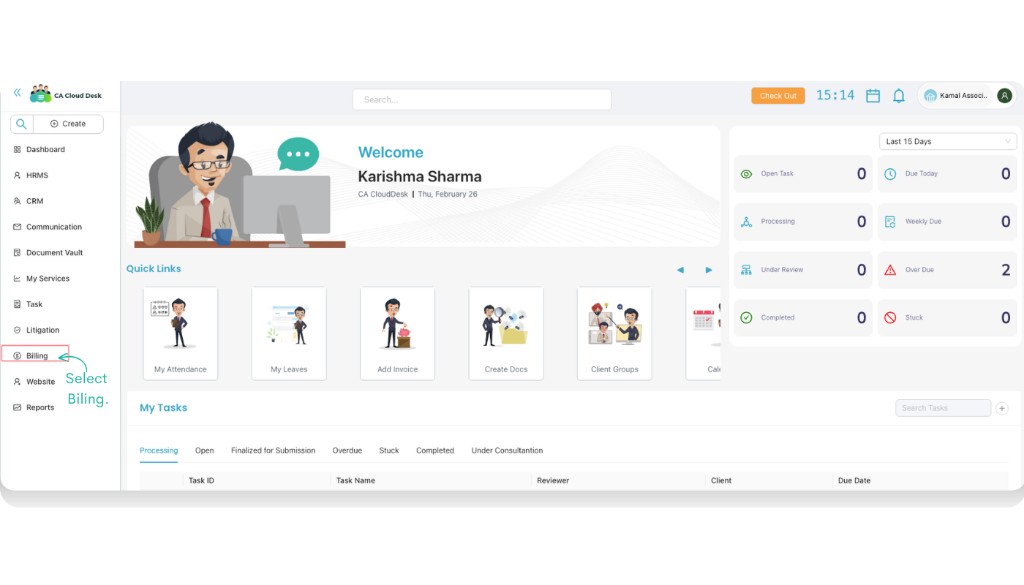
Access Billing from PartnerDesk and start configuring your billing settings.
Access Billing
- Login to CA CloudDesk PartnerDesk.
- From the left panel, select Billing.
Next Steps
After opening Billing, continue with the relevant guides (Invoice, Receipt, Ledger, CN/DN) based on what you want to manage.